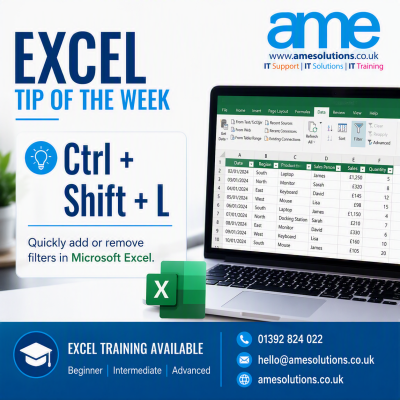
If you regularly work with lists, reports or customer information in Microsoft Excel, filters can make it much easier to find the information you need.
Instead of manually navigating through the Excel ribbon, you can add or remove filters using this simple keyboard shortcut:
Ctrl + Shift + L
Select a cell within your data and press the shortcut. Excel will add filter buttons to the headings in your data, allowing you to sort or display specific information.
Press the same shortcut again to remove the filters.
This can be particularly helpful when working with:
- Customer or supplier lists
- Sales reports
- Financial information
- Project trackers
- Training records
- Stock or asset lists
Keyboard shortcuts may only save a few seconds each time you use them, but those small savings can quickly add up when Excel forms part of your daily work.
If your team uses Excel regularly but is not making full use of its features, structured training can help staff work more confidently and efficiently. AME Solutions offers Microsoft Excel training for different experience levels, including introductory, intermediate and advanced courses.
Training can be delivered at our dedicated training suite in Exeter, at your workplace or remotely, depending on your requirements.
To discuss Excel training for yourself or your team, contact AME Solutions on 01392 824022 or email hello@amesolutions.co.uk.